Epson Baseball Card Scanner: The Ultimate Guide for eBay Sellers and Serious Collectors
This complete guide explains how to use an Epson baseball card scanner to create professional listings, increase buyer trust, and maximize your sales using MyListerHub’s optimization tools.
February 6, 2026
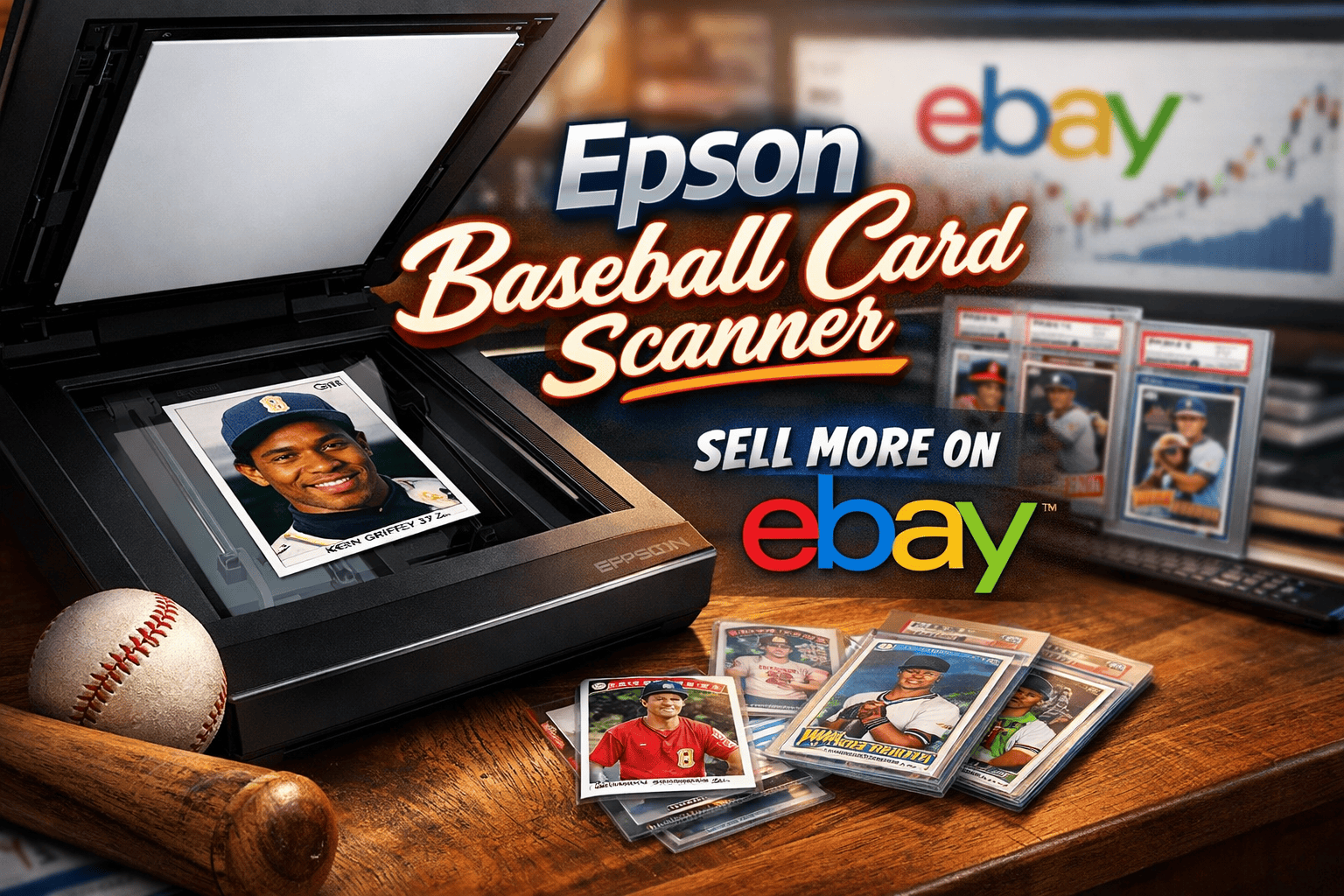
Baseball Card Scanning Guide: Why Serious eBay Sellers Use Epson Flatbed Scanners
If you collect and sell baseball cards online, image quality is one of the biggest factors that determines how fast your cards sell and how much profit you make. For sellers on eBay, using a high-quality scanner- especially a Seiko Epson Corporation flatbed model- can be the difference between average listings and top-performing ones.
This complete guide explains how to use an Epson baseball card scanner to create professional listings, increase buyer trust, and maximize your sales using MyListerHub’s optimization tools.
Why Baseball Cards Are One of eBay’s Top-Selling Categories
Baseball cards remain one of the most profitable collectible niches on eBay because:
- Millions of collectors search daily for vintage and modern cards
- Graded and raw cards both sell consistently
- Rookie cards, autographs, and limited prints command premium prices
- Investors treat cards as alternative assets
Buyers in this category are highly detail-oriented. They want to see:
- Surface condition
- Corners and edges
- Centering
- Print defects
- Authenticity markers
High-resolution scans give buyers confidenceand confident buyers pay more.
Why an Epson Baseball Card Scanner Is the Gold Standard
While phone cameras and basic scanners work, Epson flatbed scanners are preferred by serious sellers because they deliver:
1. True Optical Resolution
Most Epson scanners offer 2400–6400 DPI optical resolution, capturing:
- Fine surface scratches
- Minor whitening
- Foil texture
- Ink clarity
This level of detail is essential for premium listings.
2. Flat, Distortion-Free Images
Unlike phones, flatbed scanners eliminate:
- Perspective distortion
- Shadowing
- Curved edges
- Glare
Your card appears exactly as it looks in real life.
3. Consistent Lighting
Built-in lighting ensures:
- No hotspots
- No uneven brightness
- Accurate color reproduction
This helps buyers trust your photos.
4. Professional Presentation
Clean, uniform scans make your store look established and trustworthy- key for repeat buyers.
Best Epson Scanner Settings for Baseball Cards
To rank well and convert buyers, your scans must be optimized correctly.
Recommended Settings
| Setting | Best Practice |
|---|---|
| Resolution . | 600–1200 DPI . |
| Color Mode | 24-bit Color |
| File Type | PNG (master) → JPG (upload) |
| Sharpening | Off (edit later) |
| Dust Removal | Off for raw cards |
Why Not 2400+ DPI?
Ultra-high DPI creates massive files without improving listing performance. 600–1200 DPI delivers the best balance of clarity and speed.
Step-by-Step: How to Scan Baseball Cards with an Epson Scanner
Step 1: Clean Your Card
Use a microfiber cloth or compressed air to remove dust.
Step 2: Position Carefully
Place the card straight against the scanner edge. Avoid tilting.
Step 3: Scan Front and Back
Always scan both sides. Buyers expect full transparency.
Step 4: Crop Precisely
Crop tightly around edges without cutting corners.
Step 5: Save Originals
Store high-resolution originals for future use or re-listing.
Why Images Matter More Than Ever on eBay
eBay’s algorithm favors listings with:
- High engagement
- Longer view time
- Higher conversion rates
Sharp, detailed scans lead to:
- More zoom interactions
- Longer page visits
- Lower return rates
- Higher seller ratings
All of these help your listings rank higher organically.
How Epson Scans Improve Card Value
High-quality scans can directly impact pricing:
| Image Quality | Typical Price Impact |
|---|---|
| Blurry/Phone . | -15% to -30% . |
| Average | Market Price |
| Epson Scan | +10% to +25% |
Buyers will pay more when they clearly see what they’re getting.
Using Epson Scans with MyListerHub for Maximum Results
Scanning is only half the process. To truly dominate baseball card sales, you must optimize your listings.
MyListerHub helps you turn great scans into high-ranking, high-converting listings.
1. Image Optimization
Upload your Epson scans and:
- Resize for fast loading
- Maintain clarity
- Standardize layouts
- Optimize thumbnails
2. Title Optimization
MyListerHub helps generate titles that combine:
- Player name
- Year
- Set
- Card number
- Condition
- Keywords buyers search
Example: 2018 Topps Shohei Ohtani Rookie Card #700 RC NM-MT Clean Scan
3. Description Enhancement
Instead of generic text, optimized descriptions include:
- Centering details
- Surface notes
- Print run info
- Storage history
- Authenticity statements
This reduces buyer hesitation.
4. Category & Item Specifics
Correct metadata helps your listings appear in:
- Filter searches
- Mobile browsing
- AI-driven recommendations
MyListerHub ensures nothing is missed.
Advanced Tips to Boost Baseball Card Sales on eBay
Use Multi-Angle Scanning
For valuable cards, include:
- Full front scan
- Full back scan
- Corner zoom
- Surface close-up
This increases conversion rates dramatically.
Create Branded Templates
Consistent layout builds brand recognition. Use the same:
- Background
- Spacing
- Crop style
- File naming system
Professional sellers look more trustworthy.
Leverage File Naming for SEO
Before uploading, rename files: 1989-upper-deck-ken-griffey-jr-rookie-front.jpg
This helps with external indexing and Google Images traffic.
Track Performance by Image Quality
Compare:
- Old phone listings
- New Epson scan listings
Most sellers see:
- Higher impressions
- Better click-through
- Faster sales
within 30–60 days.
Common Mistakes When Scanning Baseball Cards
Avoid these errors:
- Using auto-enhancement filters
- Over sharpening
- Scanning in low DPI
- Leaving dust visible
- Cropping unevenly
- Uploading oversized files
These hurt credibility and rankings.
Why Collectibles Dominate eBay’s Long-Term Market
Baseball cards and collectibles perform so well because:
- Limited supply
- Growing nostalgia market
- Grading ecosystem
- Investment demand
- Global buyer base
High-quality presentation positions you as a serious seller in this ecosystem.
Epson Scanner + Listing Optimization = Competitive Advantage
When you combine:
- Professional Epson scans
- SEO-optimized titles
- Conversion-focused descriptions
- Smart category placement
- Consistent branding
You create a system that:
- Attracts premium buyers
- Reduces returns
- Increases feedback scores
- Builds long-term store value
This is how top sellers scale.
Common Questions Sellers Ask
What is the best Epson scanner for baseball cards?
Most sellers use Epson flatbed photo scanners that support 600+ DPI and color correction. Models in the Perfection series are especially popular.
Is scanning better than photographing cards?
Yes. Scanning provides better lighting, sharper detail, and consistent results compared to phone photos.
What DPI should I use for eBay card listings?
600–1200 DPI is ideal. It provides excellent clarity without slowing down uploads.
Do better images help eBay rankings?
Yes. Higher engagement and conversion rates improve organic visibility.
Can I reuse scanned images for relisting?
Yes. High-resolution scans can be reused, edited, and repurposed for years.

by Omri Ross

by Omri Ross
Get More eBay Seller Updates
Follow MyListerHub as a preferred source on Google and see more of our eBay seller news, guides, and industry updates.