Best Label Printers for eBay Sellers in 2026
Best label printers for eBay sellers. Learn how to choose the right shipping printer based on order volume and scale your eBay store faster.
March 10, 2026
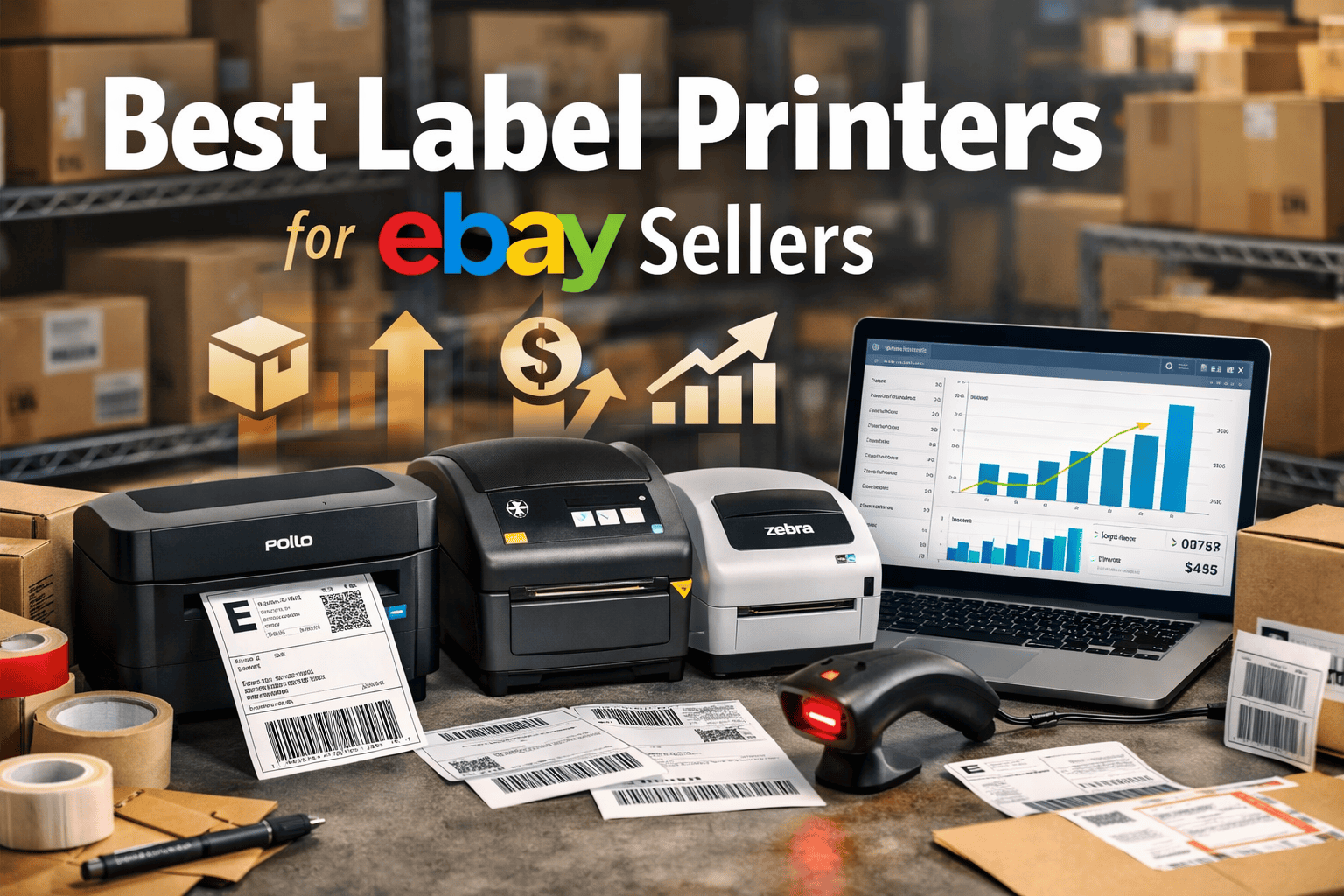
Running a profitable eBay store means optimizing every part of your workflow. Shipping is one area where small improvements create massive gains. The best label printers for eBay sellers can save hours each week, reduce shipping mistakes, and create a faster order fulfillment process.
Whether you ship 5 orders per day or 500, choosing the right printer will dramatically impact your efficiency. In this guide, we will break down the best label printers for eBay, how to choose the right one for your store size, and how to build a shipping workflow that scales as your business grows.
We will also answer the most common questions sellers ask, including how to find the best label printer for an eBay seller, what features matter most, and which models actually perform well in real eCommerce environments.
Why Every eBay Seller Needs a Dedicated Label Printer
Many new sellers start by printing shipping labels on a standard inkjet printer. This works in the beginning but quickly becomes inefficient.
Ink printers introduce several problems:
- expensive ink replacements
- slow printing speeds
- smudging labels
- wasted paper and tape
A dedicated thermal label printer solves these issues. These printers use heat instead of ink, which means faster printing, lower operating costs, and reliable labels that scan perfectly at shipping facilities.
For sellers who want to scale their store, the best label printers for eBay sellers are not optional. They are essential infrastructure.
How to Find the Best Label Printer for an eBay Seller
Choosing a printer depends largely on store size, shipping volume, and workflow setup.
Here are the key factors to evaluate.
1. Print Speed
If you ship 20–50 orders daily, speed matters. A good thermal printer can produce a label in under one second.
2. Compatibility With eBay Shipping
Your printer should easily work with:
- eBay shipping labels
- Pirate Ship
- ShipStation
- USPS, UPS, and FedEx labels
Most professional label printers support the standard 4×6 shipping label format used across these platforms.
3. Connection Type
Printers generally come in three connection options:
- USB
- WiFi
- Bluetooth
For home offices, USB works fine. For warehouse environments, WiFi printers offer more flexibility.
4. Reliability
A good shipping printer should run thousands of labels without issues. Many professional sellers choose brands known for long-term durability.
Best Label Printers for eBay Sellers
Here are some of the most popular and reliable printers used by high-volume eBay sellers.
Rollo Wireless Label Printer
The Rollo printer has become one of the most widely used printers among eBay sellers.
Why sellers like it:
- extremely fast printing
- wireless connectivity
- no proprietary labels required
- works with all major shipping platforms
It is an excellent choice for medium to large eBay stores shipping 20+ orders per day.
Zebra ZD421
Zebra printers are known for enterprise reliability. Many large warehouses use Zebra models because they can run continuously for years.
Benefits include:
- commercial grade durability
- excellent barcode quality
- high precision printing
If you operate a high-volume eBay store, this is one of the best label printers available.
Brother QL-1110NWB
The Brother printer is ideal for sellers who want a plug-and-play experience.
Advantages include:
- strong wireless support
- clean, professional label output
- easy integration with shipping software
This printer works very well for small to mid-size eBay businesses.
Choosing a Label Printer Based on Store Size
Not every eBay seller needs the same hardware. Your shipping volume should determine your setup.
Small eBay Store (1–10 orders per day)
Recommended setup:
- entry-level thermal printer
- USB connection
- small shipping station
At this stage, the goal is simply eliminating ink and speeding up label printing.
Growing Store (10–50 orders per day)
At this level, your workflow should become more structured.
Recommended setup:
- wireless thermal printer
- dedicated packing station
- shipping software automation
This is also where tools like MyListerHub begin helping eBay sellers manage inventory, listings, and fulfillment more efficiently.
High Volume Store (50–500 orders per day)
At higher order volume, shipping speed becomes mission critical.
Recommended setup:
- commercial grade thermal printer
- warehouse packing stations
- barcode inventory system
- integrated listing and fulfillment workflow
Professional sellers often combine MyListerHub with automated shipping workflows to manage large numbers of listings while maintaining fast order processing.
How Label Printers Improve eBay Shipping Efficiency
Many sellers underestimate how much time they lose printing labels manually.
A professional label printer can:
- reduce packing time per order
- eliminate cutting and taping labels
- prevent shipping barcode errors
- create a faster packing workflow
For stores shipping dozens of orders daily, this improvement compounds quickly.
Creating a Professional eBay Shipping Station
The most efficient eBay sellers organize their shipping stations carefully.
A simple setup usually includes:
- thermal label printer
- barcode scanner
- scale for package weight
- packing materials
- inventory bins
Combining this setup with a listing management tool like MyListerHub allows sellers to control their inventory and order flow from one centralized system.
Frequently Asked Questions
What is the best label printer for eBay sellers?
The best label printer depends on shipping volume. Many professional sellers choose thermal printers such as Rollo, Zebra, or Brother because they are fast, reliable, and require no ink.
Do I need a thermal printer to sell on eBay?
You do not need one to start selling, but a thermal printer quickly becomes essential as order volume increases. It saves time, reduces costs, and improves shipping efficiency.
What size labels does eBay use?
Most eBay shipping labels use the 4×6 format, which is the standard size supported by nearly all thermal shipping printers.
How many labels can a thermal printer handle?
High quality thermal printers can print tens of thousands of labels over their lifetime without significant maintenance.
Can label printers work with shipping tools?
Yes. Most thermal printers integrate easily with shipping platforms including Pirate Ship, ShipStation, and eBay's built-in shipping system.
Scaling Your eBay Store Efficiently
Shipping efficiency is one part of a larger system required to scale an eBay business.
Professional sellers also focus on:
- listing automation
- inventory management
- pricing optimization
- product research tools
Platforms like MyListerHub help sellers streamline listing workflows and manage large inventories more effectively while maintaining control of their operations.
When combined with the best label printers for eBay sellers, a strong operational system allows sellers to scale their business without increasing manual work.
Final Thoughts
Choosing the best label printers for eBay sellers is one of the smartest investments you can make in your shipping workflow.
A reliable thermal printer will:
- save hours of work every week
- reduce shipping errors
- improve packing speed
- support your store as it grows
For serious sellers building scalable operations, combining a professional shipping setup with tools like MyListerHub creates a powerful system that supports long-term eCommerce growth.
