1099-K for Full-Time eBay Sellers: How to Stay Compliant and Avoid Costly Mistakes
Full-time eBay sellers and 1099-K reporting explained. Understand high-volume selling risks, compliance rules, and how to avoid expensive tax errors.
December 26, 2025
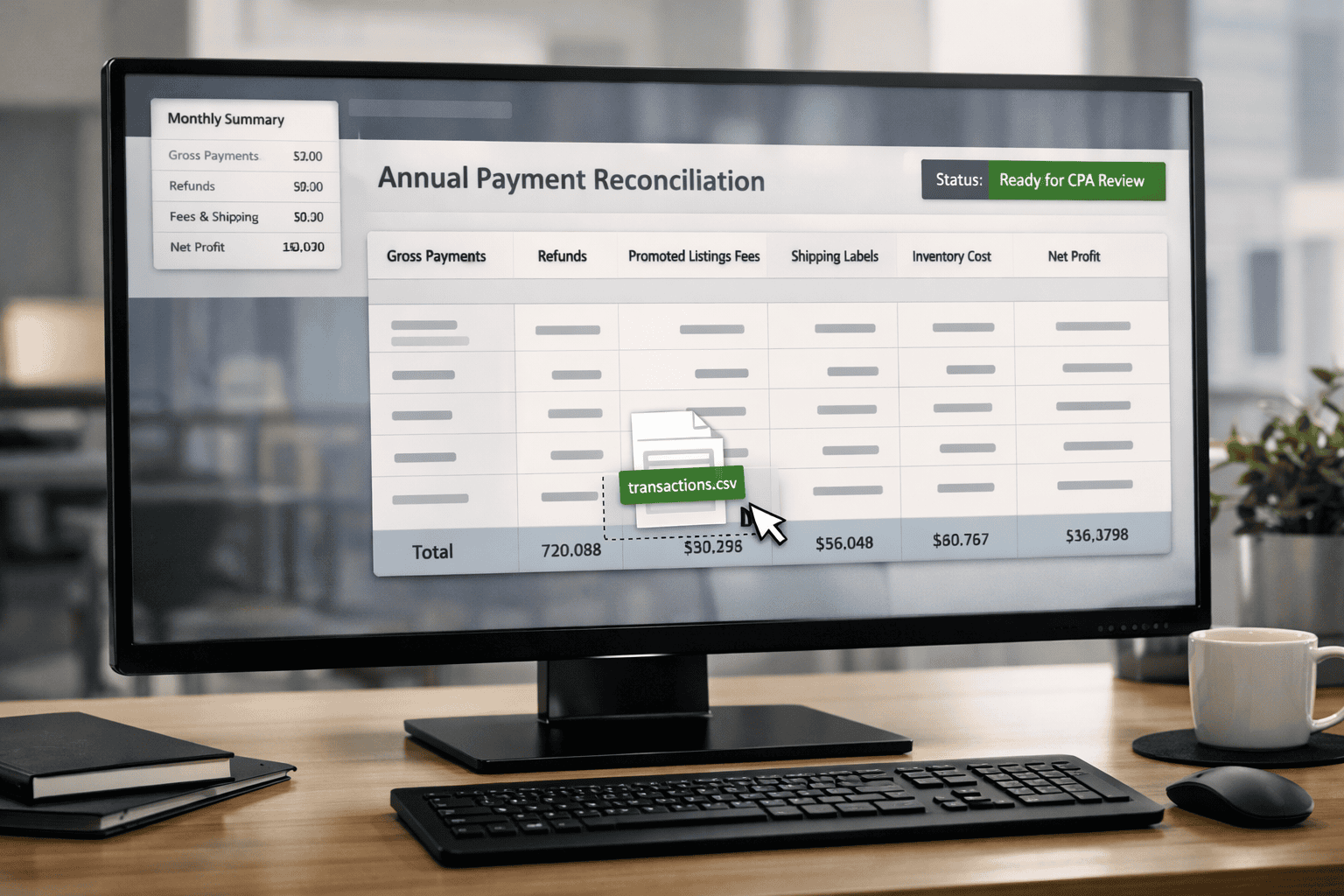
1099-K Rules for High-Volume eBay Sellers: What Changes When You Sell Full-Time
This is an educational article, not tax advice. A CPA or tax professional should confirm how it applies to you.
Do not panic! Also, make sure this article is actually for you.
If eBay is your main income or a major part of it, you are in the right place. Full-time sellers usually have steady activity all year, frequent orders, regular sourcing, and a business rhythm that does not stop after the holidays.
This article is specifically for sellers who usually have one or more of these realities: you sell throughout the year (not just “cleaning out the garage”), you have ongoing inventory, you deal with returns as a normal part of business, and you have enough volume that small mistakes can turn into big tax problems.
Some full-time sellers will have high dollars, some will have high transaction counts, and many will have both. Categories can be anything, but sellers in parts, electronics, collectibles, trading cards, apparel, and jewelry often feel this pain the most because fees, shipping, and returns can swing profit dramatically.
Location matters too. If you live in one of the “lower threshold” locations, you may see a 1099-K at lower amounts.
If you are not sure, start with the main pillar article first, because it explains thresholds clearly and points you to the right path: eBay 1099-K for 2025 Explained
If you are mostly selling personal items from your home (old tools, old clothes, furniture, stuff your kids left behind), or if you are selling part-time but eBay is not paying your bills yet, you should read the casual seller article first: 1099-K for Part-Time eBay Sellers
This full-time guide assumes you are already operating like a business.
The one sentence that keeps full-time sellers out of trouble
The 1099-K number is not your profit, and it is not automatically the amount you pay taxes on.
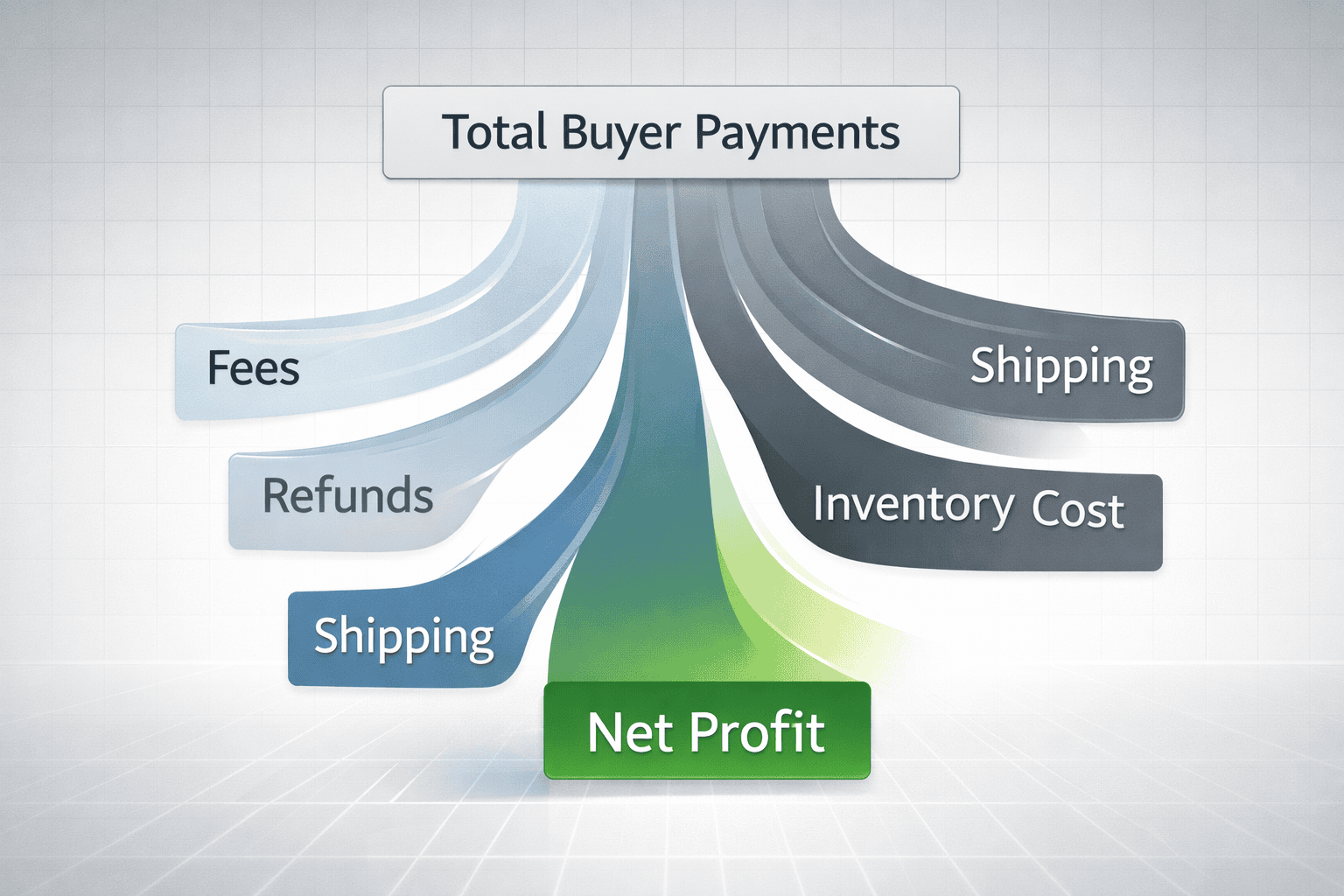
A 1099-K is basically eBay saying: “This is how much money moved through the payment system for this account.” Your job is to prove what part of that was real profit after inventory, refunds, fees, shipping labels, and other costs.
When full-time sellers get in trouble, it’s usually not because they “didn’t pay.” It’s because their numbers don’t clearly explain the difference between money that moved and money they kept.
Why full-time sellers get hit harder by mistakes
At low volume, you can be sloppy and still land close enough. At full-time volume, “close enough” becomes expensive.
If you sell 20 items a month and lose track of a few shipping labels, it barely matters. If you sell 500 items a month, those small leaks become thousands of dollars. The same is true for returns, promoted listings fees, partial refunds, and shipping adjustments.
Full-time sellers also have more mismatches. More orders means more cancellations, more returns, more partial refunds, more shipping label reprints, more defects, more “this didn’t fit” messages, and more weird edge cases. Those edge cases do not reduce the gross number on the 1099-K automatically. You reduce the taxable number by documenting them.

Gross payments vs profit
The big number on the 1099-K is gross payments. It does not “feel” like gross payments because you never see it all at once. You see payouts after fees. You see refunds happening later. You see shipping labels and promoted listings charges spread out over time.
Profit is what remains after the real costs of selling. For full-time sellers, profit is often smaller than outsiders think because the business has constant expenses.
A simple full-time example: you sell $300,000 in a year. Your inventory cost could be $180,000. Your eBay fees and promoted listings could be $30,000. Your shipping labels could be $25,000. Your refunds could be $15,000. The 1099-K still looks big. Your profit is what remains after those real costs. Without records, you risk paying tax on money you didn’t keep.
If sales look strong but profit feels thin, read How to Price Your eBay Listings for Profit to understand where margins disappear.
Inventory at scale: the biggest mistake is treating purchases like expenses
Full-time sellers buy inventory constantly. That does not mean every inventory purchase is an expense “this year.”
If you buy a pallet or a large lot, you might only sell part of it in the same year. The part that sold counts toward the cost of goods sold for that year. The part that didn’t sell is still inventory sitting on your shelf.
A simple example: you buy a lot for $10,000 and only sell half the items by December 31. You do not get to pretend all $10,000 reduced this year’s profit. You only count the portion tied to what sold. The remaining portion stays as inventory for later.
This is why high-volume sellers cannot “wing it” with memory. The bigger your inventory, the more important it is to track what you paid and how you split lot costs across items.
If inventory and lots are where your numbers fall apart, read How to Simplify Inventory Management for Your eBay Business. It explains how sellers track costs without guessing.
Returns and refunds: the timing problem full-time sellers must understand
Returns and refunds are where full-time sellers get confused, especially around year end.
If a sale happens in late December and the return happens in January, you might see the sale included in one year’s 1099-K but the refund happening in the next year. That doesn’t automatically mean you pay tax on money you returned. It means your records must clearly show the refund and the timing so your CPA can treat it correctly.
A simple example: an item sells on December 28 and gets refunded on January 4. Your 1099-K may show the original payment in the earlier year. Your records must show the refund happened later. This is normal in full-time selling, but it must be documented.
Estimated taxes: why full-time sellers get surprised
Once eBay is full-time income, many sellers discover a painful reality: you may need to pay taxes throughout the year instead of waiting until April.
This is not about fear. It’s about cash flow. If you make consistent profit monthly and do not set money aside, you can end the year with a big tax bill and not enough cash, especially if you reinvest heavily into inventory.
A simple example: you have strong months and keep buying more inventory. You feel rich in sales but cash-tight in the bank. Then tax time hits. That is why full-time sellers often separate tax money early and review numbers monthly, not yearly.
Multiple eBay accounts: what full-time sellers need to know
If you have multiple eBay accounts tied to the same Social Security number, that Social Security number is your tax ID. eBay will treat those accounts as the same taxpayer for reporting purposes, and the activity is effectively combined when determining whether reporting applies.
If you have one account under a business tax ID and another under your Social Security number (or under a different business tax ID), eBay generally evaluates them separately because they are different tax IDs. This can be legitimate if there are truly separate businesses, but it also creates complexity. The IRS still expects income to be reported correctly based on who owns and controls it. At full-time scale, this is the point where you do not guess. You let your CPA confirm the clean setup.
The full-time seller export system: what to download, when to download it, and what to send your CPA
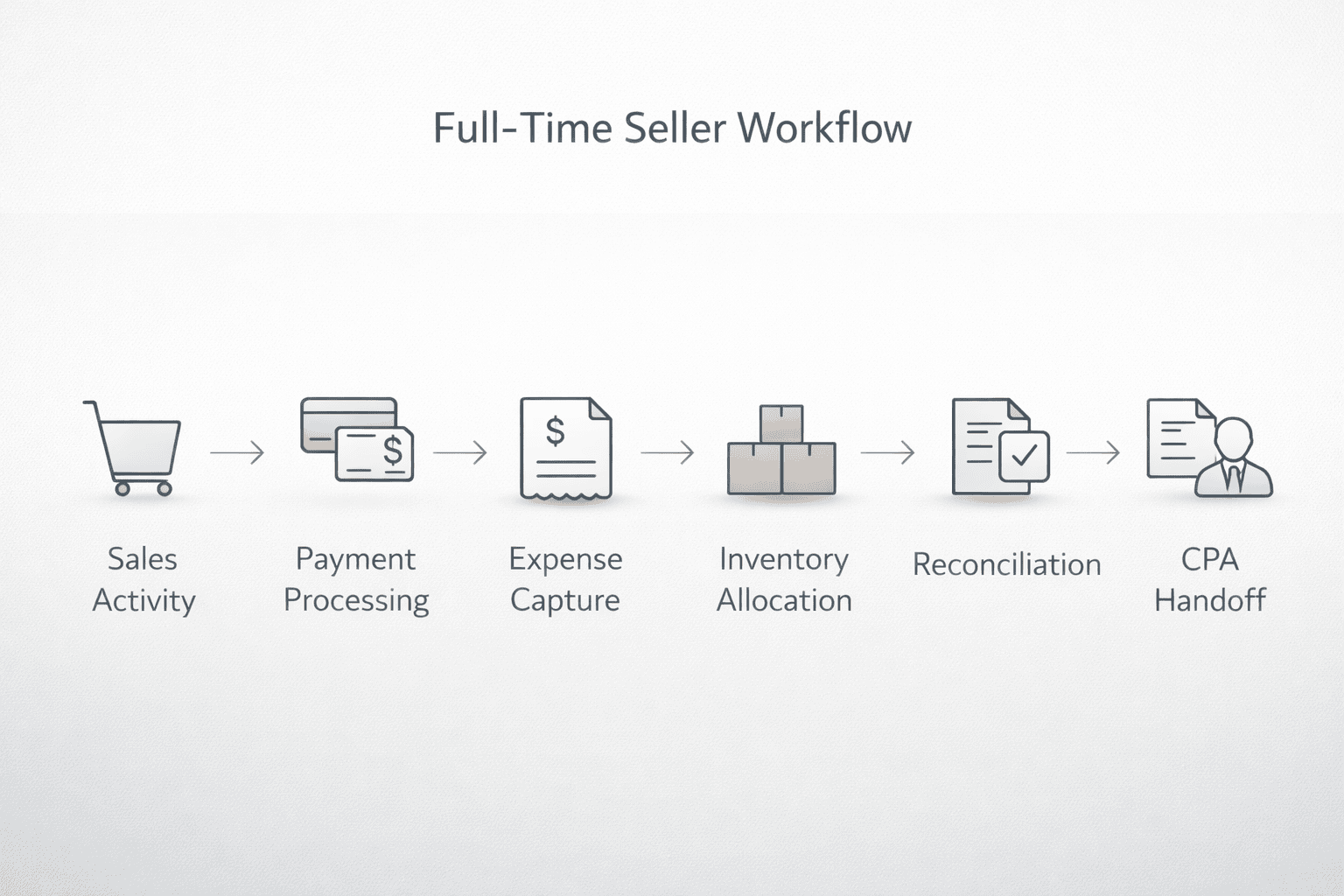
Here’s the simple rule: your CPA can only protect you with the records you provide. So your job is to hand them a clean package that explains the 1099-K.

Step 1: Know when you should get your 1099-K
In general, platforms issue 1099-K forms around the end of January for the prior year. The exact timing can vary, but the practical move is this: plan to pull everything in early February so you’re not rushing.
Step 2: Download the 1099-K detailed report from eBay
This is the report that helps explain what makes up the 1099-K totals.
Use this exact path: Payments → Taxes → 1099-K details → Generate.
This link takes you to your eBay Payments area where you can open Taxes and generate your 1099-K detailed report for the calendar year: https://www.ebay.com/sh/fin/taxforms
Step 3: Download the Transaction report for the same date range
This report is where your CPA can see the moving parts: fees, adjustments, refunds, and other charges that impact your real profit.
Use this exact path: Payments → Reports → Transaction report → choose date range → Download.
This link opens the eBay Transaction report download, which is the main CSV most sellers use to prove fees, refunds, adjustments, and other selling charges: https://www.ebay.com/sh/fin/report
This is the report that typically surfaces things sellers forget to count, like promoted listings fees, listing-related fees, or miscellaneous adjustments. The names may vary inside the report, but this export is the foundation.
Step 4: Download your monthly financial statement
This is useful because CPAs often want monthly totals to spot weird spikes, missing months, or patterns that don’t match.
Use this exact path: Payments → Reports → Financial statement (monthly) → Download.
This link takes you to eBay’s monthly financial statements, where you can download a month-by-month summary that helps your CPA spot missing months or mismatched totals: https://www.ebay.com/sh/fin/report/statement
Step 5: Prepare your inventory and cost records
Your CPA needs to know what you paid for inventory, where you got it, and how you allocated lot costs.
If you buy single items, you need purchase cost per item. If you buy lots, you need a reasonable allocation method and consistency. The goal is not perfection. The goal is being able to explain it without guessing.
If you don’t have a clean system for receipts and purchase proof, SparkReceipt has a tool that helps sellers capture receipts fast and keep them organized in one place so your CPA can verify inventory costs without guessing.
Step 6: Prepare your mileage and equipment records if you deduct them
If you deduct vehicle use, keep a mileage log with the date, miles, and business purpose. If you deduct equipment, keep proof of purchase and note when you started using it for the business.
If you drive for sourcing, shipping drop-offs, or business errands, DriversNote has a tool that helps sellers track mileage automatically and generate a clean log that CPAs usually accept.
At full-time scale, CPAs will ask these questions because these are common deductions and common audit targets. Simple documentation keeps it clean.
Step 7: Send your CPA a clean “tax package” instead of random screenshots
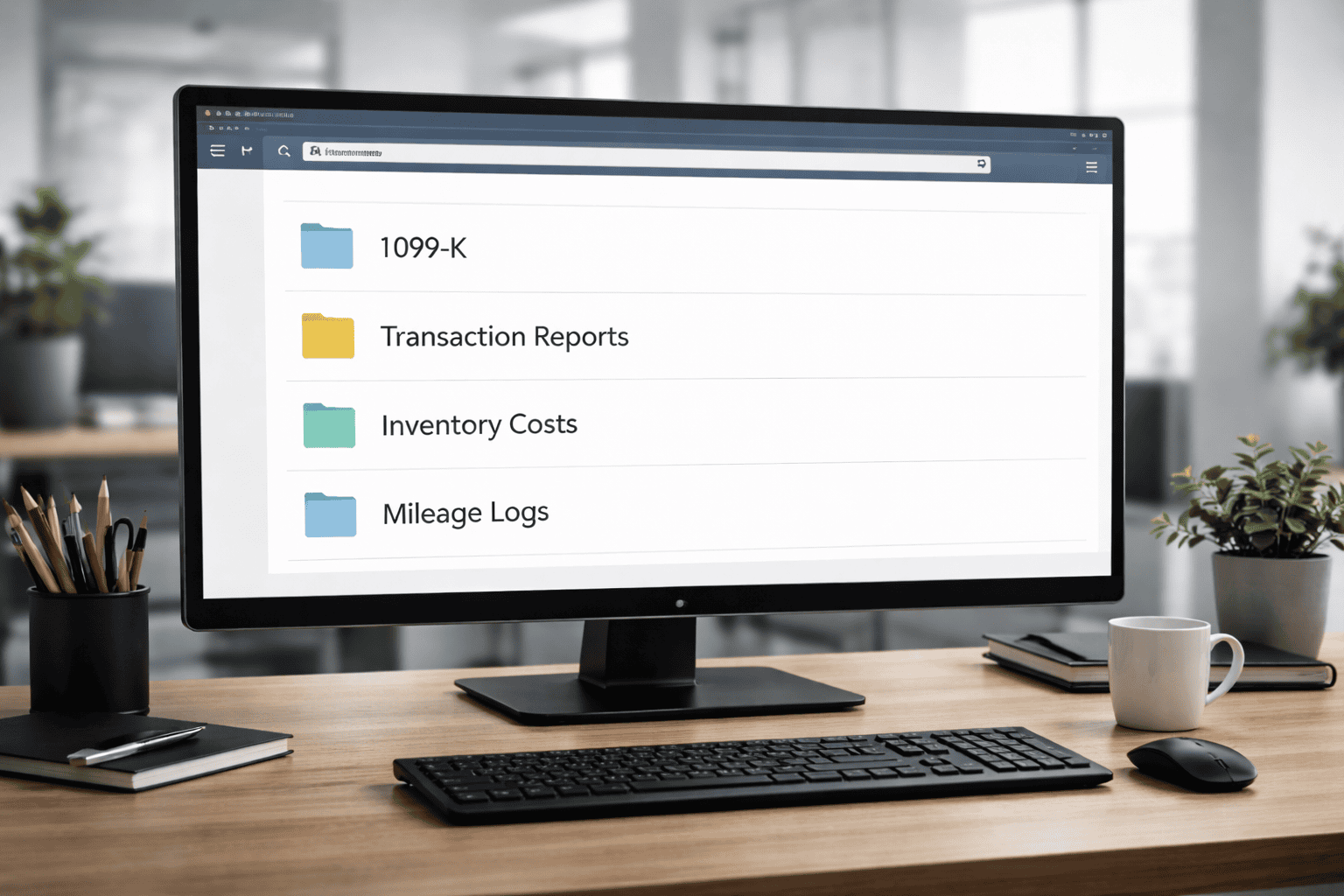
A full-time seller should send a single folder (or drive link) with clearly named files.
At minimum, your CPA package should include the 1099-K form, the 1099-K detailed report, the transaction report, the monthly financial statements, your inventory/COGS records, and any separate expense totals you track (supplies, mileage, equipment, software).
Note: report names/menus can change.
Step 8: Reconcile before you meet your CPA (so you don’t waste the meeting)
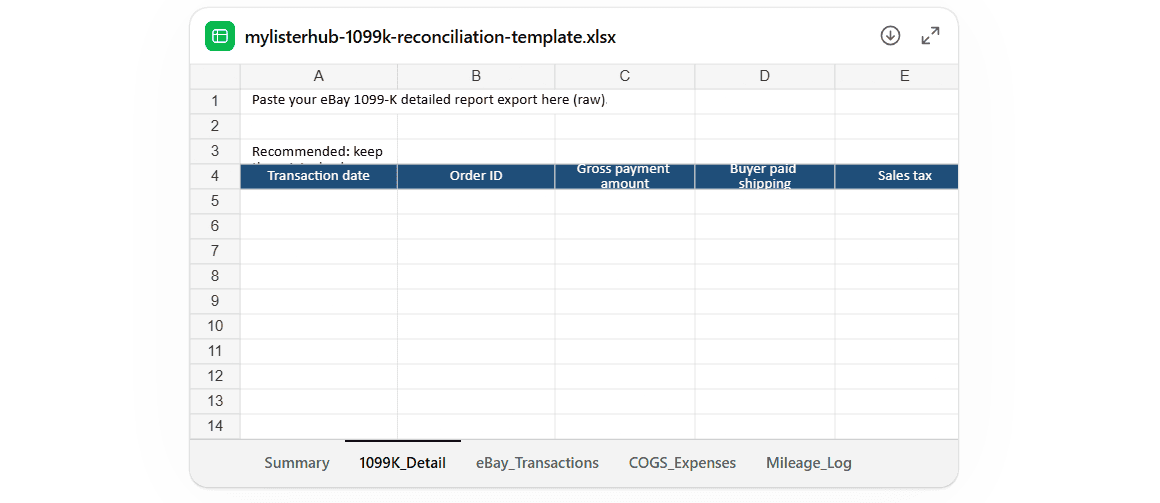
Reconcile means you pre-match your 1099-K totals to the reports so you understand the gaps.
If you want our 1099-K reconciliation spreadsheet, you can download it instantly, or contact us and we’ll email it to you and help you set it up.
If you do this before the CPA call, the CPA call becomes faster, cheaper, and cleaner.
What a clean year looks like for full-time sellers
A clean year is not “perfect accounting.” It is a repeatable habit.
Clean full-time sellers download reports monthly or quarterly, keep inventory costs consistent, track refunds without guessing, and separate business activity from personal spending as much as possible. When the 1099-K arrives, it matches what they expected because they’ve been tracking all year.
This is why professional eBay sellers tend to have boring tax seasons. They built boring systems.
Common Questions Sellers Ask:
Does the 1099-K mean full-time eBay sellers owe tax on the full amount?
No. The 1099-K shows gross payments, not profit. Full-time eBay sellers only pay tax on what they keep after inventory costs, fees, shipping, refunds, and other expenses.
When do full-time eBay sellers receive their 1099-K?
Most full-time eBay sellers receive their 1099-K by the end of January for the previous calendar year. It reports payment activity from January 1 through December 31.
What reports should full-time eBay sellers give their CPA with the 1099-K?
Full-time sellers should give their CPA the 1099-K form, the 1099-K detailed report, transaction reports showing fees and refunds, inventory cost records, and any mileage or equipment expense records.
If reconciling fees, shipping labels, and inventory manually is where things break down, see how sellers keep everything organized with MyListerHub so tax season stays boring.
Final thought
Full-time eBay sellers don’t need tricks. They need clarity.
If you have volume, you will get forms. The goal is not to avoid paperwork. The goal is to pay tax on real profit, not on gross numbers that ignore your costs.
If you can explain your 1099-K with clean exports and clean inventory records, you are in control.

by David Green
