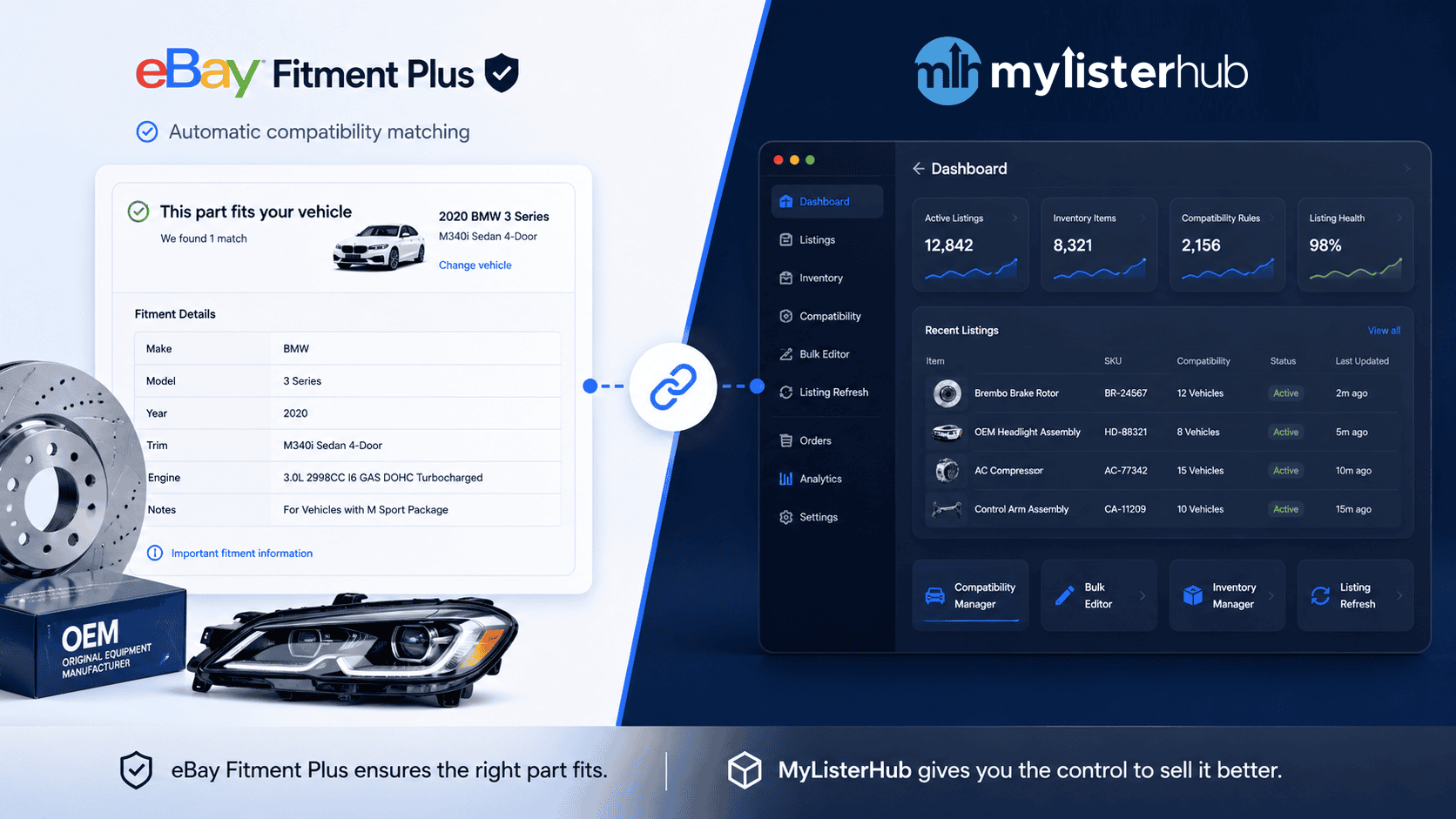
How eBay Fitment Plus and MyListerHub Work Together for Professional Auto Parts Sellers

by Jack Blum
Aug 16, 2026
Upload photos of any item and Cavio AI generates a complete, publish-ready eBay listing: optimized title, price, description, condition note, and every item specific filled. No tokens. No per-listing fees. Ever.
Choose which photos to include. Click any photo to deselect it. Hit Next when your selection is ready.


Every competitor caps how many listings you can generate per month and charges extra when you exceed it. Token rates vary by tool and plan, ranging from $0.01 to $1.20 per listing, but the model is always the same: the more you list, the more you pay. With MyListerHub, Cavio AI generation, listing scheduling, and all platform features are included in your flat subscription.
Keyword-rich, character-maxed, built to rank in eBay search.
Grounded in real eBay data. A starting point you always control.
Buyer-ready copy that answers questions before they're asked.
All fields your category supports. The ones eBay uses for buyer filters.
Sets condition and writes a precise note that reduces returns.
Fewer returnsRuns on live listings too. Finds gaps costing you search visibility.
Works on existing listingsClick "Upload from your Computer" to open your folder and select your photos. Upload up to 200 images at once, or scan a QR code to upload directly from your phone.
Select the photos for each product one at a time and group them. Each group becomes one listing. When all products are grouped, click Generate and Cavio AI builds every listing in under 60 seconds.
Click into any draft to review and edit the title, description, eBay and store category, photos, fixed price, condition, condition note, all three business policies, package dimensions and weight, and item specifics.
Choose your listing format, set the duration, define the price change per cycle, set your launch interval, configure the cooldown period, and name and save the cycle for future batches. Hit Submit and Cavio handles everything automatically.
Crop, rotate, and clean photo backgrounds inside the platform. No third-party subscriptions needed.
Build professional, mobile-ready HTML listing templates. Your store looks like a real brand.
Schedule listings with custom intervals, auto-relist, or "sell similar" when items go stale.
Duplicate a listing with different keyword variations and measure which title drives more views.
Unsold listings get automatically refreshed. New visibility for the same inventory, hands-off.
Preset shipping profiles, return policies, and package dimensions. Every listing, automatically.
| Feature | MyListerHub + Cavio AI | Competitors |
|---|---|---|
| Pricing model | Flat subscription, unlimited listings | Monthly token caps + per-listing fees |
| Photo uploads per item | Unlimited, any count per item | Limited, extra cost per additional photo |
| Item specifics filled | 100% of all category fields | Partial, varies by tool and category |
| Condition + condition note | Both generated automatically | Condition field only, no written note |
| Improve existing live listings | Titles, descriptions, keywords, specifics | Not available |
| Multi-category support | All eBay categories, equally supported | Optimized for 1 or 2 categories only |
| Image Studio (BG, crop, rotate) | Full editor, included in subscription | Background removal only, extra fee |
| HTML listing template designer | Professional designer built-in | Not available |
| Listing scheduling included | Full Launch Profiles, included | Extra cost or not available |
| A/B keyword testing | Clone Mode built-in | Not available |
| Machine learning from feedback | Improves with every correction | Static model, no learning |
| Free trial | 30 days, no credit card | Token-limited or 7 days only |
Comparison based on publicly available information, April 2026. Per-listing token rates among competitors range from $0.01 to $1.20 depending on plan and tool.
From eCommerce Giants to Growing Brands, to Mom-and-Pop Shops
Cavio AI reads the item directly from your photos, identifying brand, model, condition details, and category-specific attributes. It builds a title that is keyword-rich and optimized for eBay's Cassini search algorithm up to the character limit. Every correction you make trains the model, so accuracy improves the more you use it for your specific inventory.
by Jack Blum
Aug 16, 2026
by Jack Blum
Aug 10, 2026

by Jack Blum
Jun 18, 2026
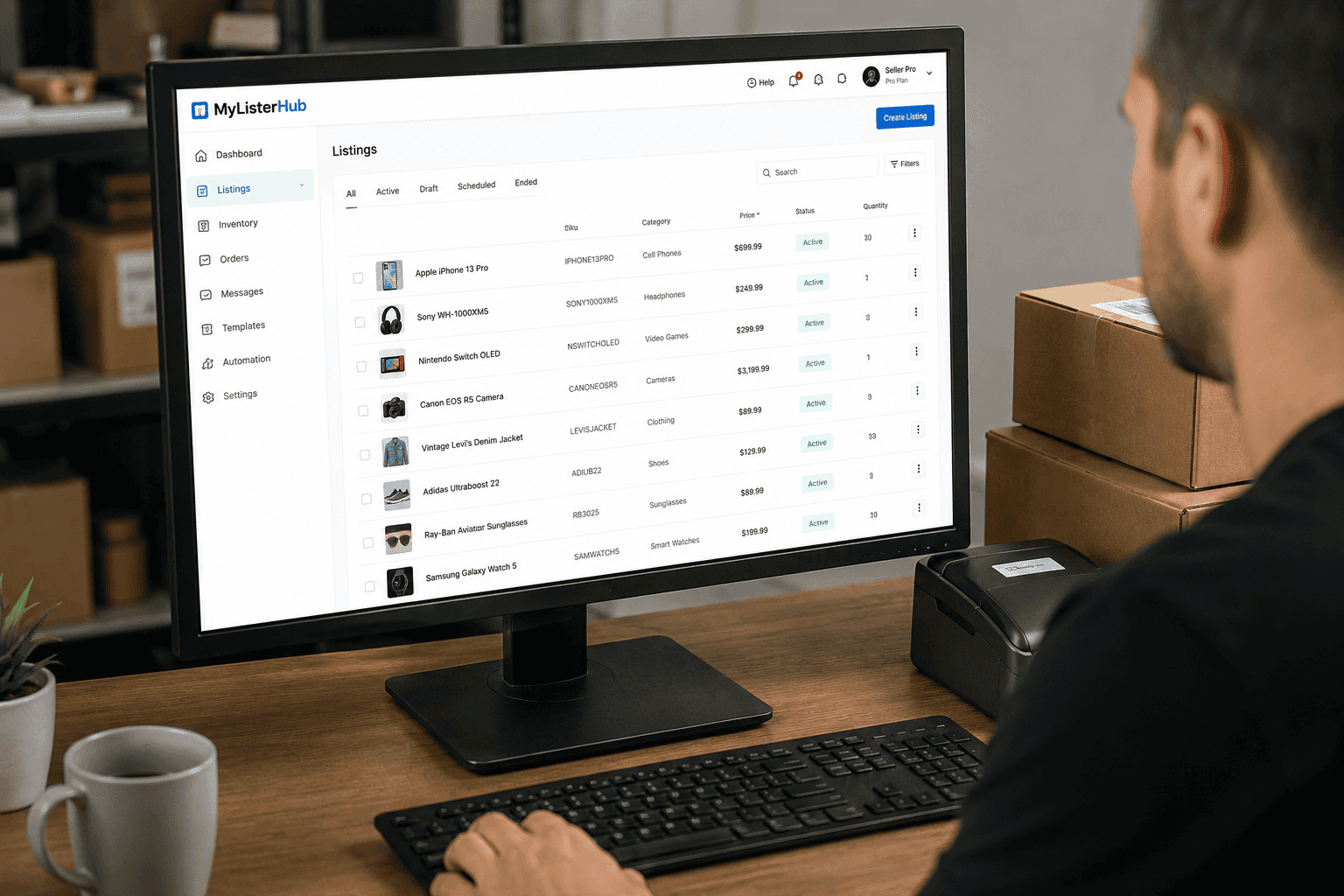
by Jack Blum
Jun 17, 2026
Orders, Offers, Messages, Chat, SMS, Listings, Inventory, AI, Automation, Syncing, Shipping, Customization, Analytics, Bookkeeping & Accounting, Template Designer, CRM, and a lot more.